> For the complete documentation index, see [llms.txt](https://docs.natoma.ai/llms.txt). Markdown versions of documentation pages are available by appending `.md` to page URLs; this page is available as [Markdown](https://docs.natoma.ai/connect-to-ai/getting-started/configure-client.md).
# Configure Your Client
Set up your AI client to use Natoma connections
After creating connections, configure your AI client (like Cursor, Claude, or ChatGPT) to use them.
## Step 1: Get your configuration
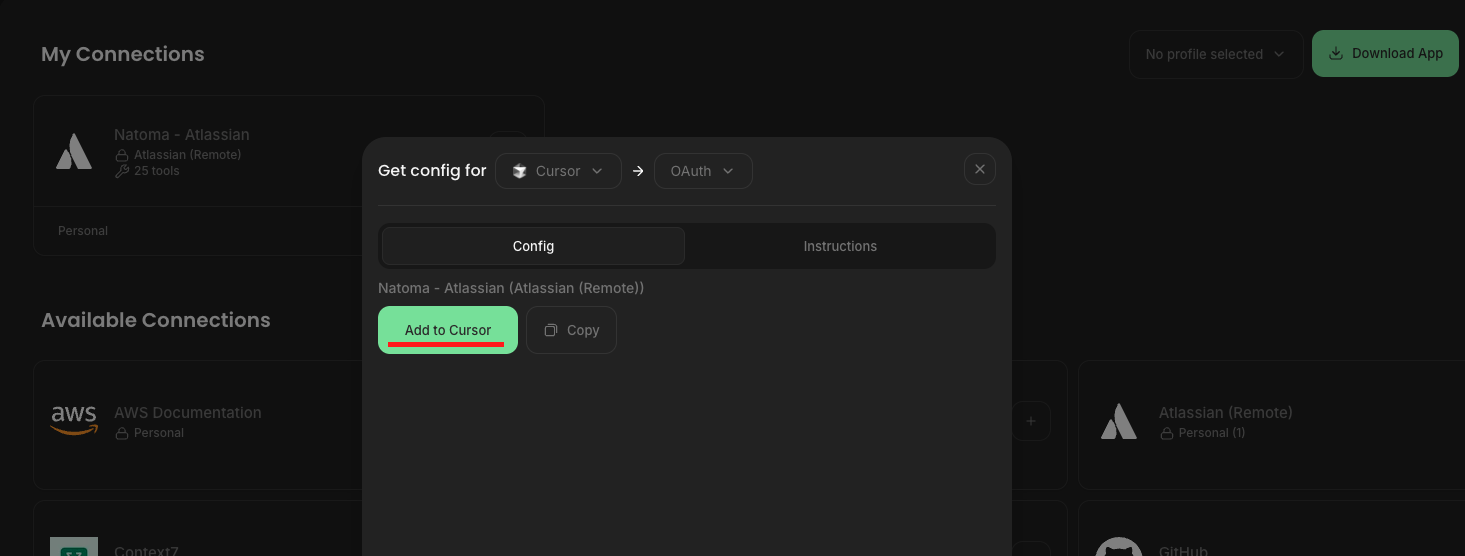
Click the Get Config button in the top right of your browser.
## Step 2: Select your AI client
Choose your AI client to generate the right configuration for it.
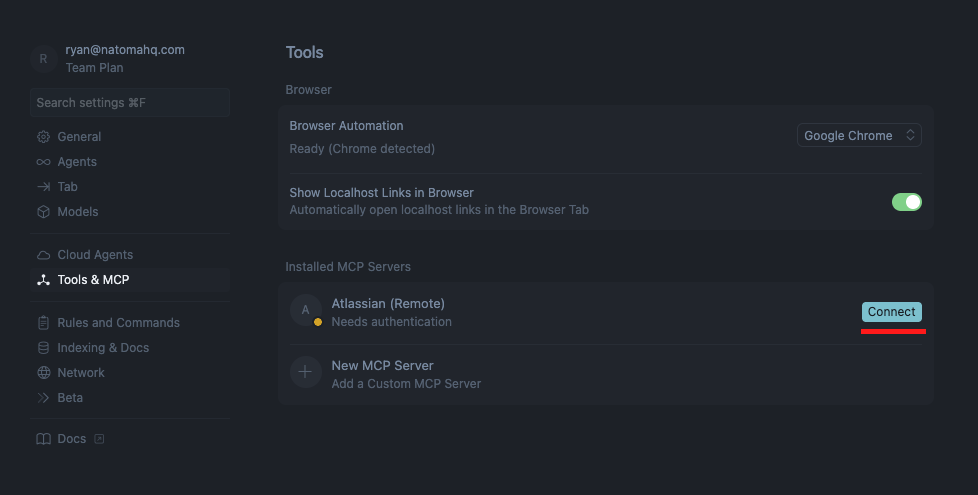
## Step 3: Update your client's configuration
Follow the Instructions tab to update your LLM's configuration.
For example, clicking the **`Add to Cursor`** button will add this to Cursor's `mcp.json` config file.
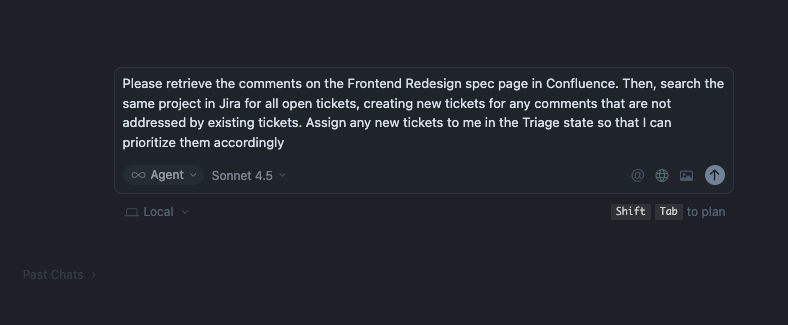
## Step 4: Try it out
Try out a prompt to start building!